Team roles and permissions
People join by invitation, and a role decides what they can do.
Three roles
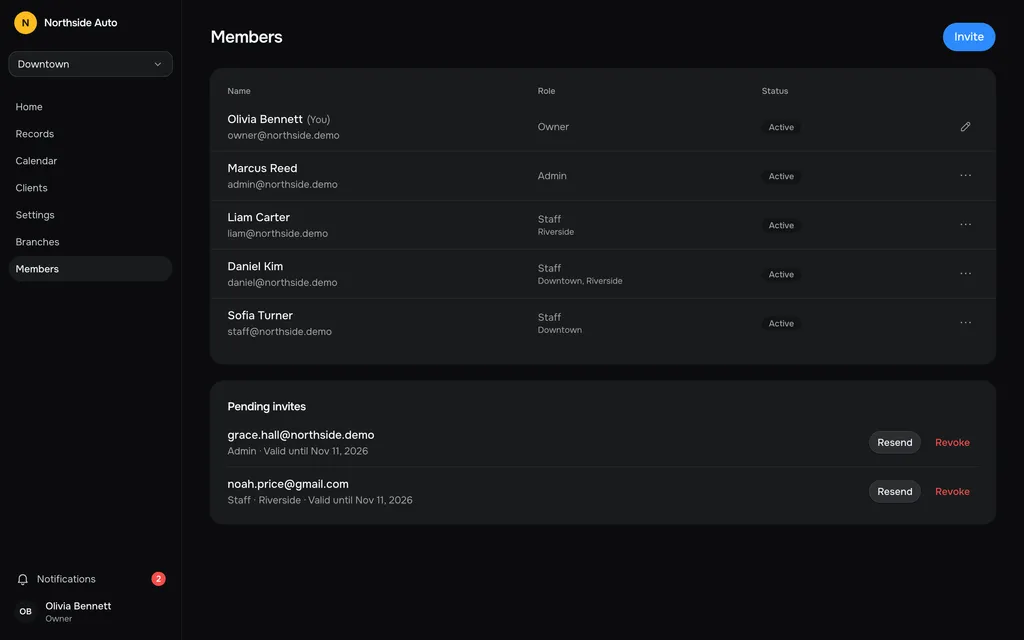
The Owner can do everything: invite admins and staff, change roles, block or remove people, and connect Google. Admins invite, block and remove staff, restore archived records and change the lists in Settings. Staff work with the board, records, clients and the calendar in their branches.
Invite by link
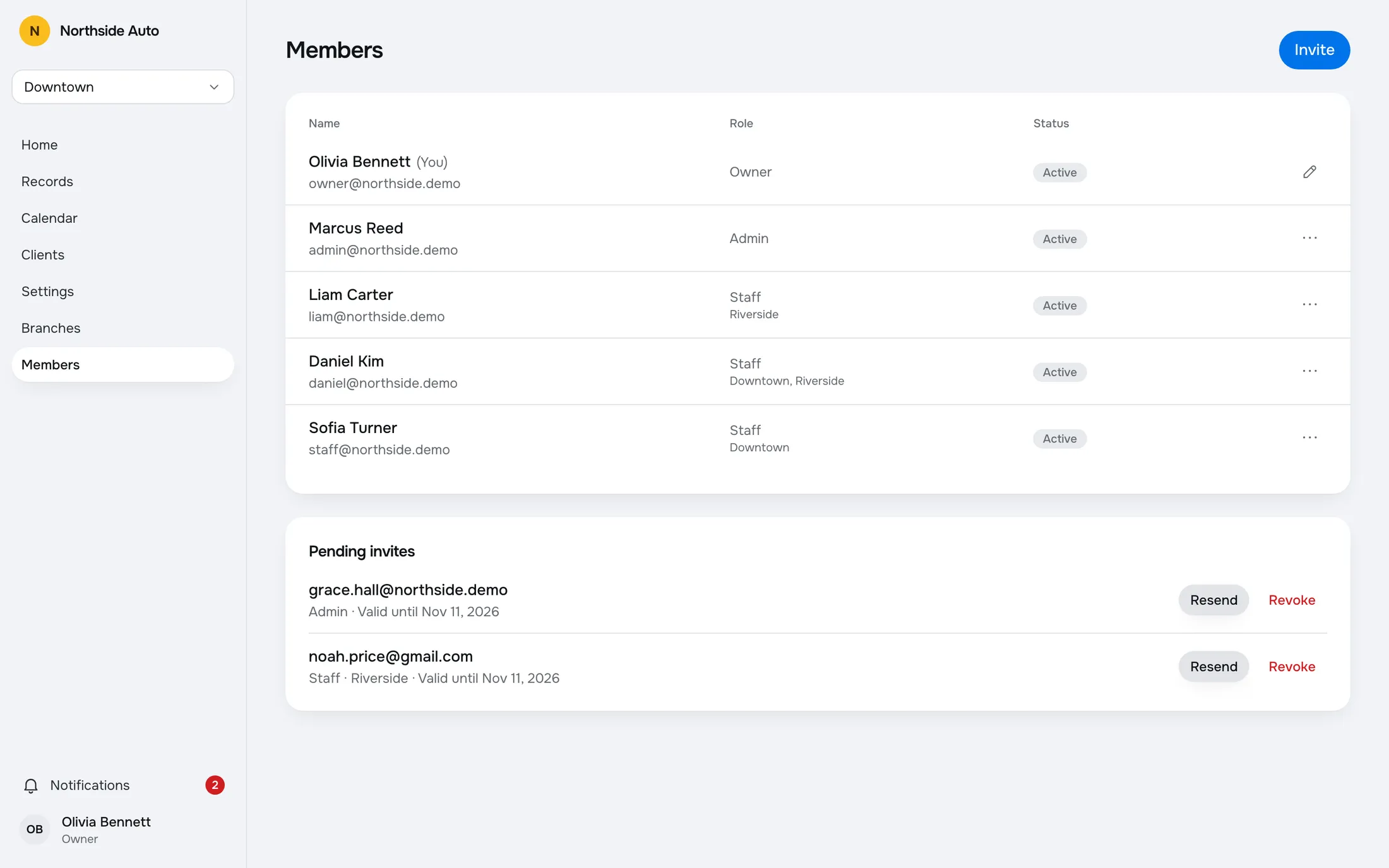
Enter an email, pick a role and a branch, and press Create link. The app shows the link once. Send it to the person any way you like. It is valid for 7 days.
Until it is used, the invite waits in Pending invites with its expiry date. Resend it, or revoke it if you typed the wrong address.
Manage the team
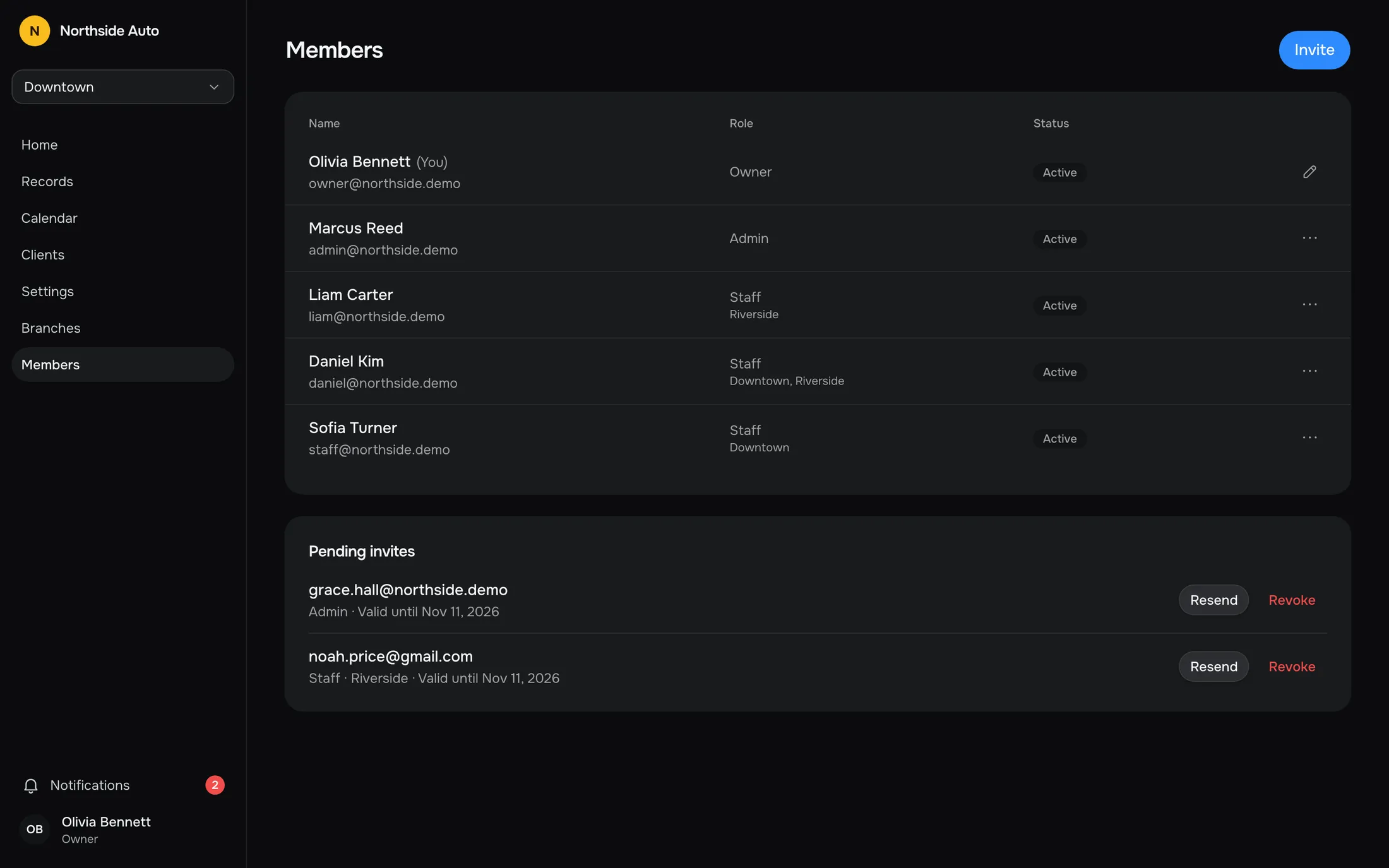
From a member's menu you can change the role, block or unblock, choose the branches a staff member works in, or remove them from the company. Their account and work history are kept.
A member page shows contacts, cards created this month, the last sign-in and the latest cards.
Told when it changes
When someone's role is changed, they get a notification, so access never shifts silently.
Invite in three fields.
Email, role and branch. The app creates a one-time link and shows it once, valid for 7 days. You send it to the new person yourself.
Try it in the demoInvite a member
Role
Branch
Link for noah.price@gmail.com
Send it to them any way you like. The link is shown only now and is valid for 7 days.
Pending invites
noah.price@gmail.com
Staff · Riverside · Valid until Nov 11, 2026
Questions, answered.
Can anyone sign up to my shop?
No. People join an existing shop only through an invitation.
Does the app email the invite?
No. It creates a link and shows it to you once. You send it to the person any way you like, and it is valid for 7 days.
What if the invite is lost or expires?
Press Resend in Pending invites to get a new link, or Revoke to cancel it.
What is the difference between Admin and Staff?
Admins can invite, block and remove staff, restore archived records and change the lists in Settings. Staff work with the board, records, clients and calendar in their own branches.
Can I remove someone?
Yes. Remove from company cuts their access at once. Their account and work history are kept.
Works with
- Multiple branchesOne company, many locations. Each branch has its own lifts, stages and work types.Read more →
- Comments and mentionsComment on a record and mention a teammate. They get a notification that opens the comment.Read more →
- Service catalogSet up lifts, stages and work types with colours, and reorder them by dragging.Read more →
Try a sample shop.
The demo is a sample company, Northside Auto, with two branches and about ninety records. Sign in as Owner, Admin or Staff. Nothing is saved, and a reload starts over.
Open the live demoGet early access.
Leave your email and we will write when RepairFlow opens to new shops.