Comments and @mentions
Notes live on the car they are about, not in a group chat.
Mention a teammate
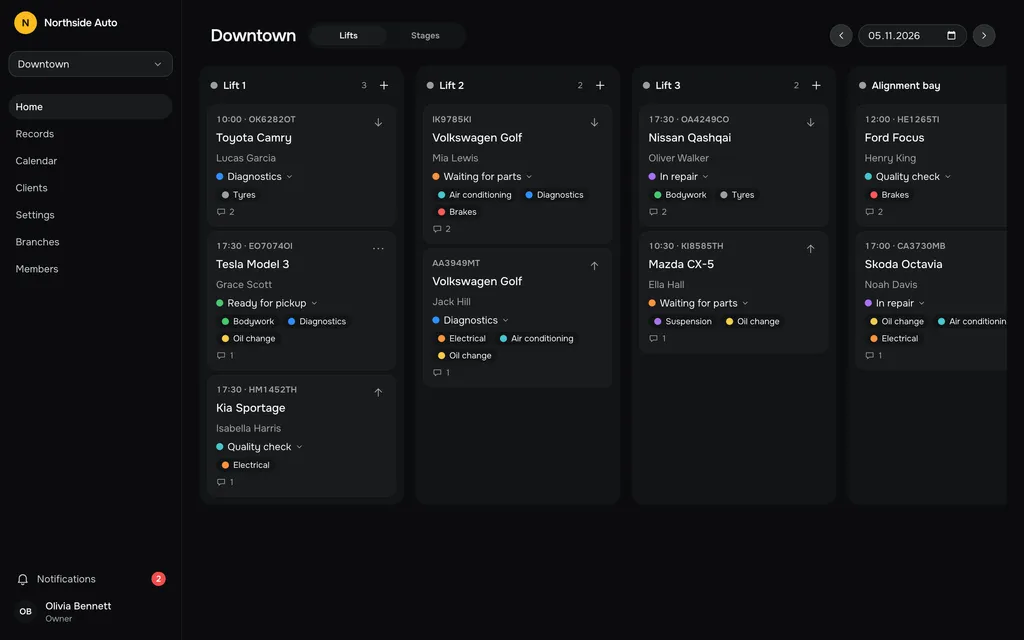
Type @ in a comment and pick a name. The suggestions list people who have access to the branch, and you can search by name, surname or email. The person you mention gets a notification. You are not notified about your own mentions.
Comments live on the record
Comments sit under the form in the record panel, oldest at the top. Enter sends, Shift+Enter starts a new line, and links open in a new tab. A new record has no comments until it is saved.
Who can edit and delete
Only the author edits a comment, and it then shows edited. The author, owners and admins can delete one. In an archived record, comments are read-only.
Notifications in one place
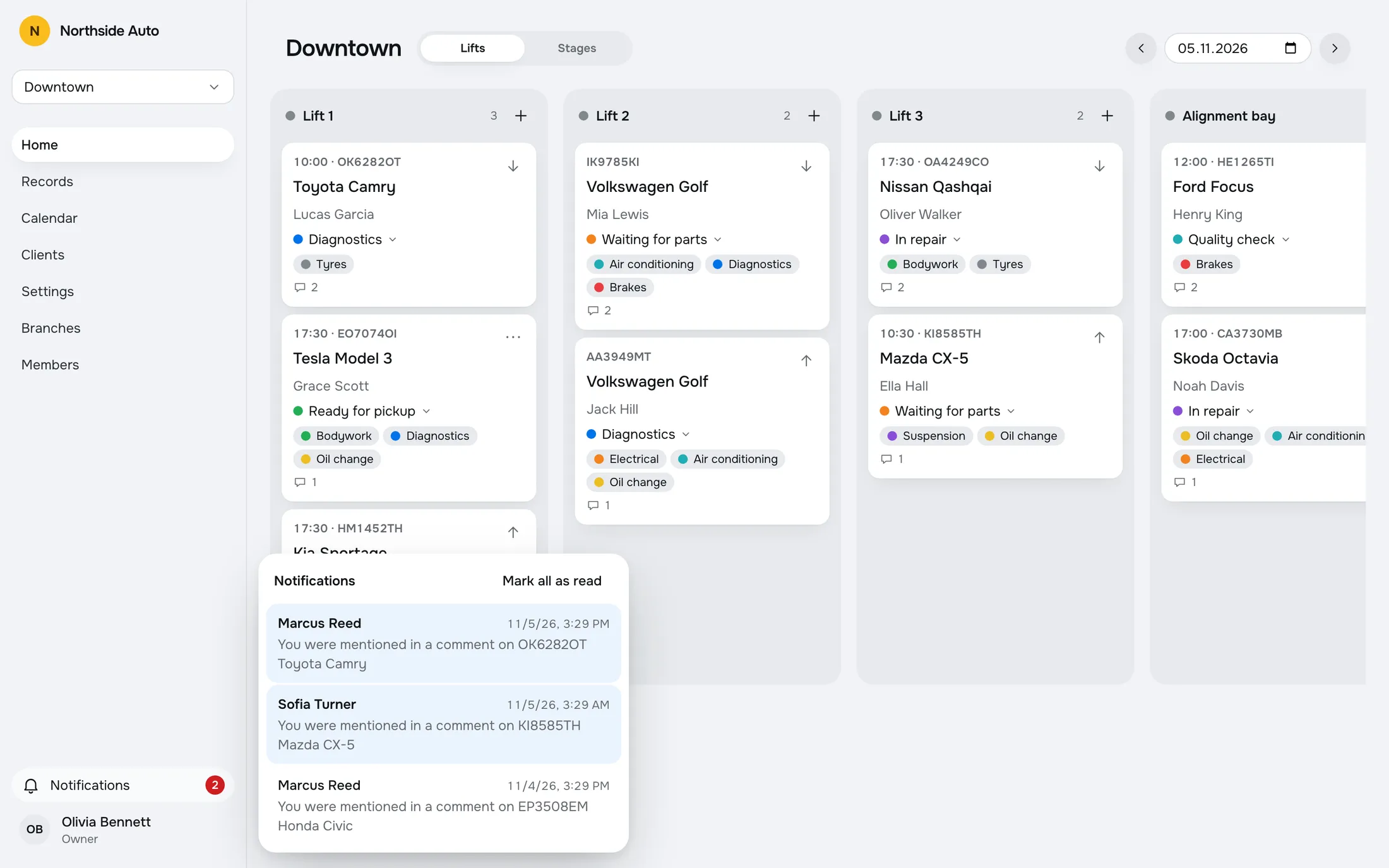
The bell in the sidebar shows the unread count. A mention opens the record on its day and scrolls to the comment. If the record is in a branch you cannot access, the app says so.
A role change notifies the person too. The list keeps the latest 50, and Mark all as read clears the count.
@Marcus, check the pads.
A mention goes only to the person you name. They see who wrote it, which car it is about and when, and one click opens the comment.
Try it in the demoComments
@Marcus Reed please check the front pads before pickup.
Pads at 3 mm. Replacing them today.
Notifications
You were mentioned in a comment on OK6282OT Toyota Camry
Questions, answered.
Who can I mention?
People who have access to the branch of the record. Mentioning someone who does not work in the branch is refused.
Who gets a notification?
The person you mention, and a person whose role was changed. You do not get a notification for your own mention.
Can I edit or delete a comment?
The author can edit it, and it then shows edited. The author, owners and admins can delete it. Comments on archived records are read-only.
Can I delete a notification?
No. Mark all as read clears the unread count, and the list keeps the latest 50.
Works with
- Workflow boardEvery car on a live board by lift or by stage. Drag a card to move it. Your colleagues' changes appear without a refresh, and edit conflicts are flagged.Read more →
- Team, roles and invitesInvite people by link. Owner, Admin and Staff each get exactly the access their role allows.Read more →
- Repair recordsA table of all records with search and filters by stage, work type and dates. Archive a finished job and restore it later.Read more →
Try a sample shop.
The demo is a sample company, Northside Auto, with two branches and about ninety records. Sign in as Owner, Admin or Staff. Nothing is saved, and a reload starts over.
Open the live demoGet early access.
Leave your email and we will write when RepairFlow opens to new shops.