Photos in Drive, records in Sheets
Your photos and your spreadsheet stay in your own Google account.
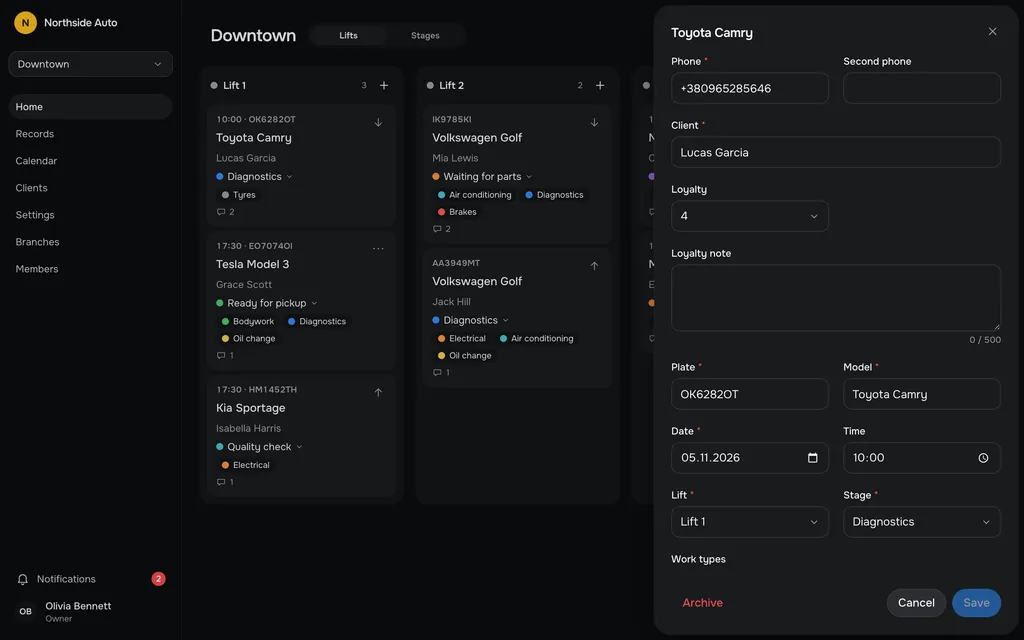
Photos on the record
Once the owner has connected Drive and switched on record photos, a Photos section appears under the form. Add up to 10 photos per record; on a phone the camera opens. The browser shrinks each photo before it uploads.
Anyone with access to the record can add or delete photos. A record gets its Photos section after its first save.
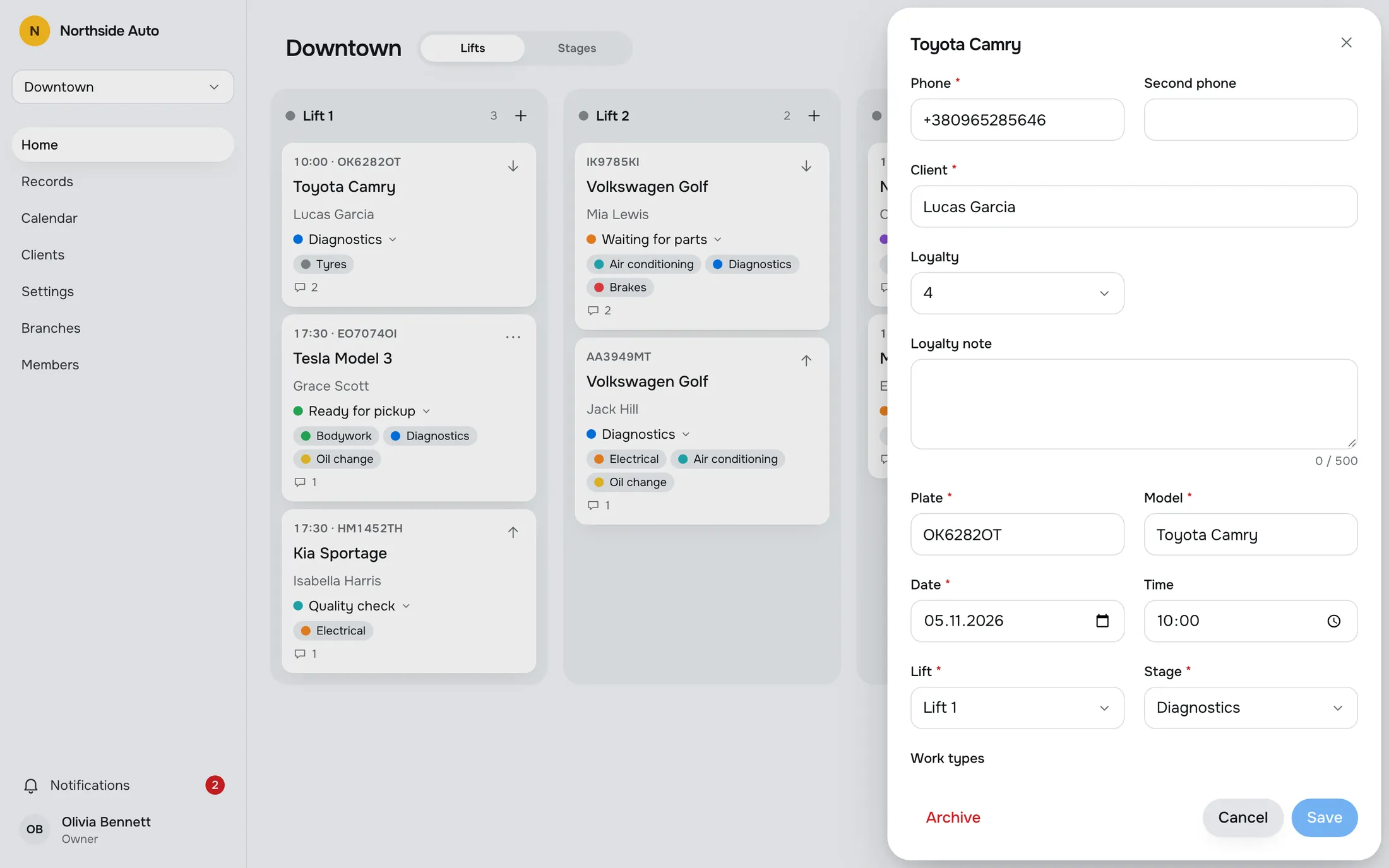
Stored in your Drive
Photos go to the Google Drive of the account the owner connected, into a folder for your company, then the branch, then the car. We keep no copies on our server, and the app asks Google only for access to files it creates itself.
Deleting a photo in the app moves it to the Drive trash.
A copy in Google Sheets
Switch on Copy records to a spreadsheet and the app creates one Google Sheet in the connected Drive, with a tab for each branch and a row for each record: date, time, plate, model, client, lift, stage, work types, problem, archive flag, who created it and when. Rows are never deleted.
The copy is one way, from the app to the sheet. Edits made in the sheet are overwritten. Sync everything again rebuilds the sheet from the app. The sheet's column headings are currently in Ukrainian.
The owner connects
Only the owner sees the Integrations page and connects Google, once, for Drive and Sheets together. If Google stops accepting access, the page says so and the owner connects again.
Disconnect stops the photos and the updates, and everything already in the Drive stays there. The public demo has no integrations, so connecting is something you do in your own shop.
Your account, your files.
Connect, tick what you want to keep, and open the spreadsheet from a link. Nothing is stored on our side.
Try it in the demoGoogle Drive
Connected as owner@northsideauto.example
Google Sheets
Synced 5 minutes ago
Questions, answered.
Who can connect Google?
Only the owner. Admins and staff do not see the Integrations page.
Does editing the sheet change my records?
No. The copy is one way, from the app to the sheet, and edits made in the sheet are overwritten.
How many photos can a record have?
Up to 10. The browser shrinks each photo before it uploads.
Where are the photos stored?
In the Google Drive of the account the owner connected. We keep no copies on our server.
Can I try this in the demo?
No. The demo has no integrations. The owner of a real shop connects their own Google account.
Works with
- Repair recordsA table of all records with search and filters by stage, work type and dates. Archive a finished job and restore it later.Read more →
- Team, roles and invitesInvite people by link. Owner, Admin and Staff each get exactly the access their role allows.Read more →
- Workflow boardEvery car on a live board by lift or by stage. Drag a card to move it. Your colleagues' changes appear without a refresh, and edit conflicts are flagged.Read more →
Try a sample shop.
The demo is a sample company, Northside Auto, with two branches and about ninety records. Sign in as Owner, Admin or Staff. Nothing is saved, and a reload starts over.
Open the live demoGet early access.
Leave your email and we will write when RepairFlow opens to new shops.